
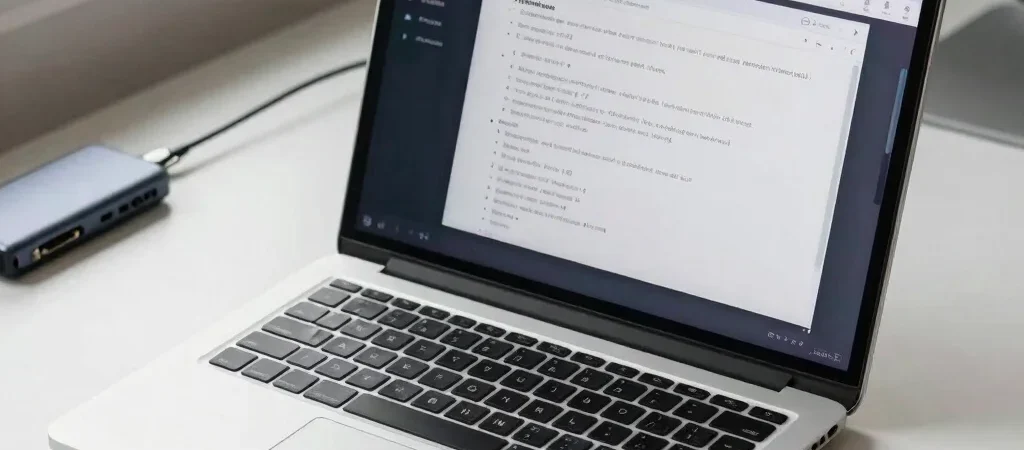
A laptop can look perfectly capable on a product page and still feel cramped by lunchtime: too few ports for the desk setup, a screen that makes two documents awkward to view, or a keyboard that gets in the way of long writing sessions. For work at home, the useful question is how the laptop handles an ordinary workday—not how impressive its specifications sound in isolation.
Start With Your Desk
Think through a typical morning. If you plug in an external monitor, webcam, and storage drive, check which ports are built into the laptop and whether you would need a separate hub to connect everything.
Screen size is a similar trade-off. A larger display can make side-by-side documents easier to manage, while a smaller laptop is generally easier to carry from a desk to the kitchen table or a shared workspace. Consider whether you already rely on a monitor; that can change how much built-in screen space you need.
Translate Specs Into Tasks
Processor and memory descriptions matter most when connected to the work you actually do. Video calls, many open browser tabs, and large spreadsheets can place different demands on a laptop than email and occasional document editing.
Rather than treating a specification as a quality score, compare configurations for the same tasks and software. Check whether reviews describe the laptop staying responsive during a workload like yours, and note the configuration tested; results for one memory or processor option may not describe every version sold.
Don’t Ignore the Daily Friction
Keyboard comfort, webcam placement, fan noise, and battery behavior are easy to overlook in a spec table and hard to ignore during a long day. Reviews that discuss these details can help you decide whether a thin, light design is worth a port adapter or whether a heavier model better suits a mostly stationary desk.
If you use affiliate links to compare laptops, remember that Smart Reviews may earn a commission; that should not change how clearly the article explains its reasoning. Before choosing, write down your three recurring work tasks and the accessories you connect. Those details make a comparison far more useful than a processor name alone.


